Great timing. Today I discovered that the iMac 24" screen can't be rotated. I have it on a VESA mount, so I can rotate it physically, but screen rotation settings are inaccessible (even with the Option key) via system settings. When I attempt rotation via displayplacer (tool in OP), it just complains that it "could not find res". There's a surprising lack of good search results on this. Seems to be related to the iMac overheating, but that's information coming from a random forum post that I found, not from Apple.
Edit: found Display Rotation Menu via DisplayPlacer Github issues, which is so far the only tool that worked for me.
Do any of these methods work to rotate a Sidecar display? Right now I’m using BetterDisplay to creat a dummy and then rotate and stream that dummy to the Sidecar display, but it’s a bit unwieldy and sometimes unreliable (due to an Apple bug apparently).
Unfortunately not, the system reports false for canChangeOrientation on a Sidecar display:
    mac-utils  ./bin/RotateDisplay sidecar 0
    ID  UUID                                Can Change Orientation  Orientation Name
    1   37D8832A-2D66-02CA-B9F7-8F30A301B230    true                    0°          Built-in Liquid Retina XDR Display
    6   BF8D0007-9573-49E5-8130-75991ECB2F15    false                   0°          Sidecar
    4   FB46E28E-5B98-475A-A610-C15237238C8D    true                    0°          LG Ultra HD

    The display does not support changing orientation: Sidecar [ID: 6]


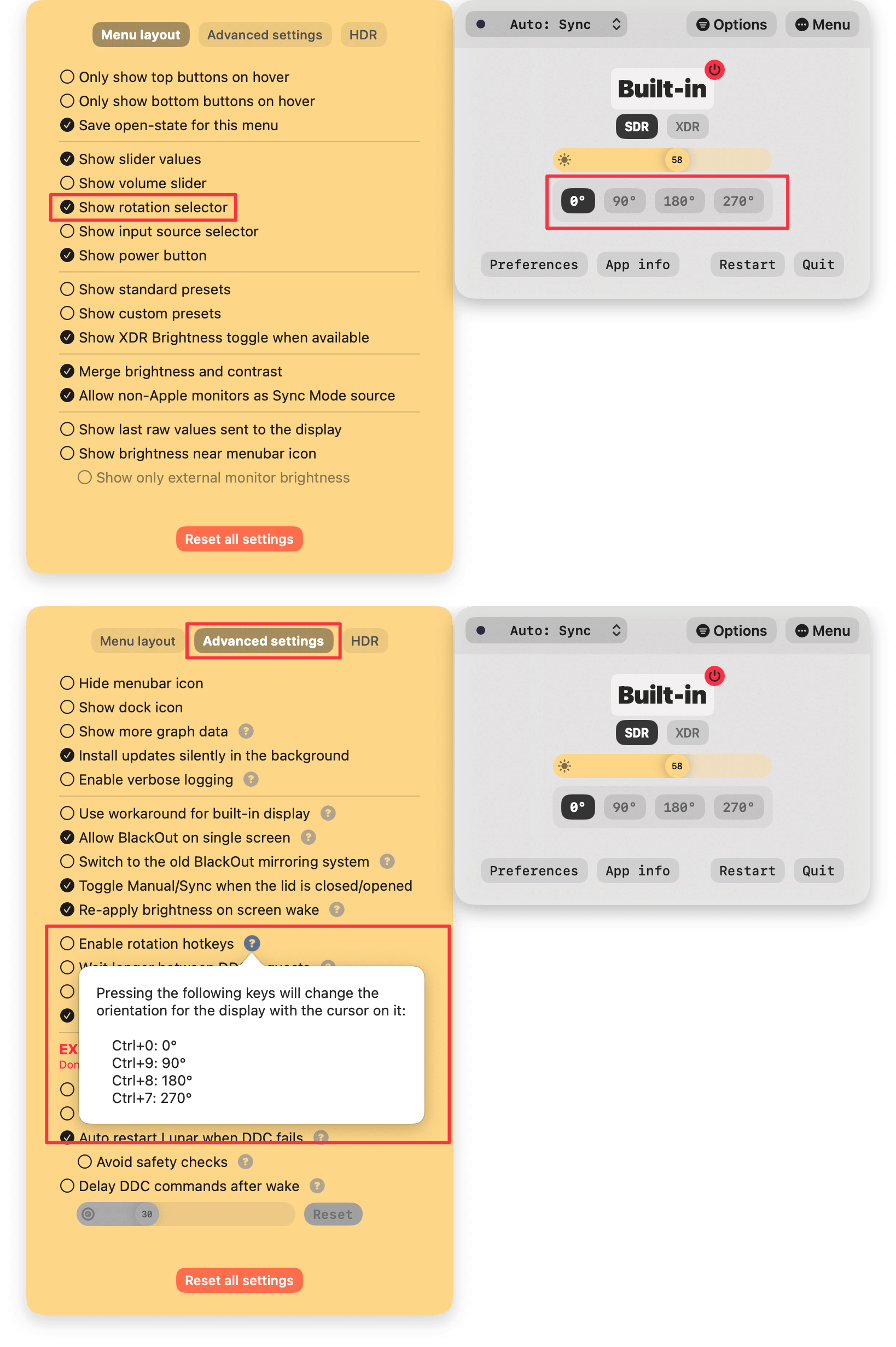
Edit: found Display Rotation Menu via DisplayPlacer Github issues, which is so far the only tool that worked for me.